
TOOLS & TECHNOLOGIES
Learn the Technologies That Matter
Explore the tools and technologies used to build modern, responsive, and industry-ready web applications.

HTML

CSS

JavaScript

TypeScript

Bootstrap

jQuery

React

Redux

GitHub

Git

VS Code

Google Chrome

XAMPP

MongoDB

MySQL
ES6+

Sass

NPM

Tailwind CSS

Webpack
Babel

Postman

Firebase

Vercel

Netlify

Docker

ESLint

Prettier
CAREER OUTCOMES
Top Companies Hiring for These Skills
 T
T
TCS
IT Services
 I
I
Infosys
IT Services
 W
W
Wipro
IT Services
 H
H
HCLTech
IT Services
 TM
TM
Tech Mahindra
IT Services
 C
C
Cognizant
IT Services
 A
A
Accenture
IT Services
 C
C
Capgemini
IT Services
 G
G
Google
IT Product
 M
M
Microsoft
IT Product
 A
A
Amazon
IT Product
T
TCS
IT Services
I
Infosys
IT Services
W
Wipro
IT Services
H
HCLTech
IT Services
TM
Tech Mahindra
IT Services
C
Cognizant
IT Services
A
Accenture
IT Services
C
Capgemini
IT Services
G
Google
IT Product
M
Microsoft
IT Product
A
Amazon
IT Product
 S
S
Swiggy
Startup
 Z
Z
Zomato
Startup
 P
P
Paytm
Fintech
 P
P
PhonePe
Fintech
 R
R
Razorpay
Fintech
 Z
Z
Zerodha
Fintech
 HB
HB
HDFC Bank
Banking & Finance
 IB
IB
ICICI Bank
Banking & Finance
S
Swiggy
Startup
Z
Zomato
Startup
P
Paytm
Fintech
P
PhonePe
Fintech
R
Razorpay
Fintech
Z
Zerodha
Fintech
HB
HDFC Bank
Banking & Finance
IB
ICICI Bank
Banking & Finance


Curriculum
- 10 Sections
- 86 Lessons
- 12 Weeks
Expand all sectionsCollapse all sections
- Module 1: Introduction to Web Technologies6 Items
- Module 2: HTML12 Items
- 2.1Introduction to Markup Language
- 2.2Structure of HTML Documents
- 2.3HTML Elements and Tags
- 2.4Forms and Input Fields
- 2.5Special Characters
- 2.6Block-Level Elements
- 2.7Lists and List Attributes
- 2.8URLs and Hyperlinks
- 2.9Images and Tables
- 2.10Introduction to Style Sheets
- 2.11Background Styling
- 2.12Creating Style Classes
- Module 3: CSS10 Items
- Module 4: JavaScript12 Items
- Module 5: Advanced JavaScript5 Items
- Module 6: jQuery6 Items
- Module 7: Bootstrap Framework17 Items
- 7.1Navigation Bar and Logo Integration
- 7.2Header and Navigation Design
- 7.3Banner Creation
- 7.4Jumbotron Components
- 7.5Rows, Columns & Containers
- 7.6Column Width and Offsets
- 7.7Push & Pull Columns
- 7.8Nested Columns
- 7.9Footer Design
- 7.10Typography in Bootstrap
- 7.11Glyphicons
- 7.12Responsive Tables
- 7.13Utility Classes
- 7.14Buttons Styling
- 7.15Responsive Images
- 7.16Description Lists
- 7.17Bootstrap Panels
- Module 8: React Basics8 Items
- Module 9: React Advanced6 Items
- Module 10: Live Projects4 Items
To enroll in a course, you need to create an account on our platform, browse our course catalog, and click on the "Enroll" button next to the course you want to join. Follow the on-screen instructions to complete the registration process.
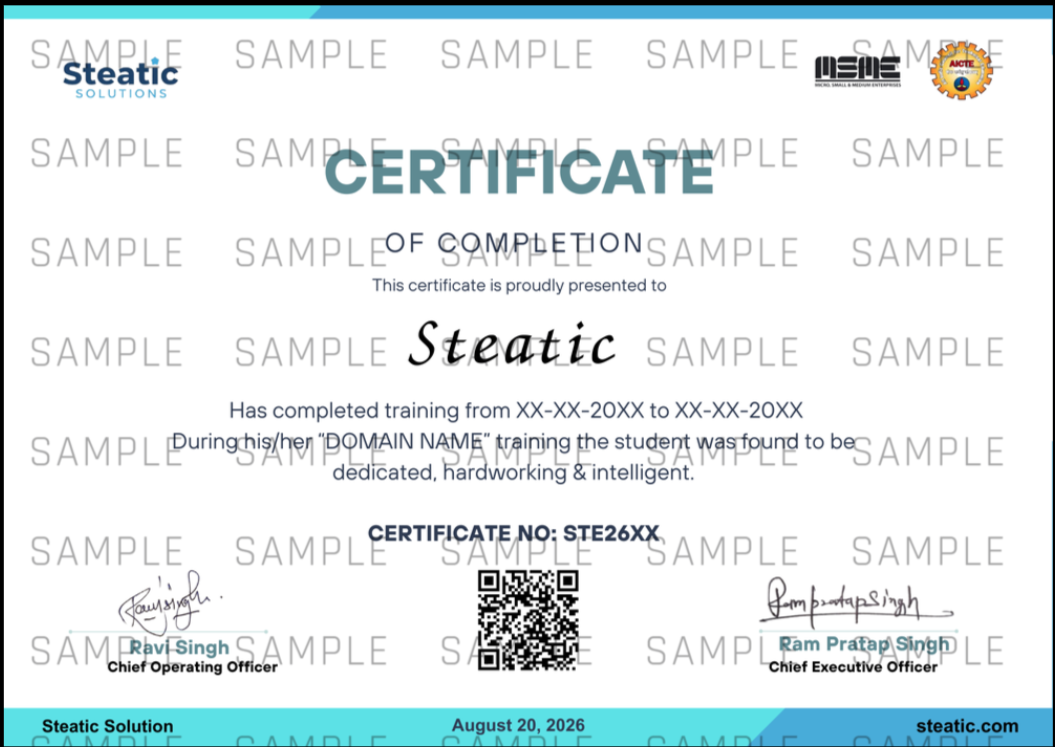
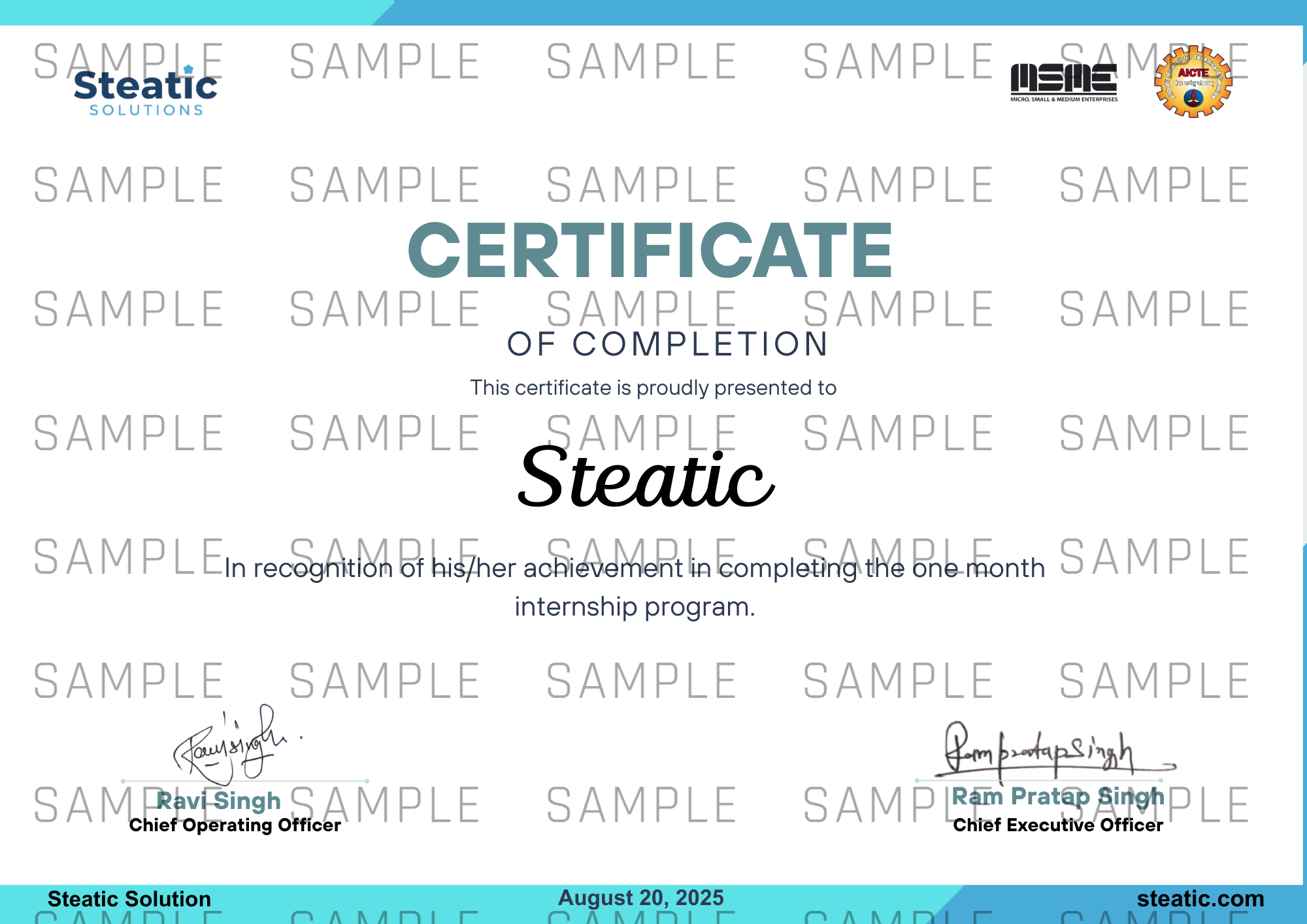
Yes, most of our courses offer a certificate of completion, provided you meet all the course requirements, such as passing quizzes and submitting assignments.
Courses often include quizzes, assignments, and sometimes final exams to assess your understanding of the material. The specific assessment methods will be detailed in the course syllabus.
Courses can be paid for using a credit/debit card, PayPal, or other payment methods specified at checkout. Payment is required at the time of enrollment.